

WeChat is not “just another messenger.” For many people it’s the default channel for messaging, voice/video calls, payments, and daily coordination—especially when you’re communicating with contacts in Mainland China. The catch is that network conditions around China can be unusually inconsistent. You might be on a perfectly good Wi-Fi network and still see sign-in delays, failed media uploads, stalled voice calls, or random “cannot connect” behavior. Sometimes it’s simple congestion. Sometimes it’s filtering or routing policy. Sometimes it’s the network you’re on (hotel, campus, office) quietly blocking VoIP or media domains.
A VPN can help in three realistic ways:
- Stability on hostile or filtered networks: encrypting traffic can prevent local networks from selectively interfering with VoIP or messaging traffic.
- Privacy on untrusted Wi-Fi: the VPN encrypts the link between your device and the VPN server (useful in airports/hotels/cafés).
- More predictable routing: a different exit path can reduce packet loss or jitter that kills calls and media uploads.
Important: In Mainland China, VPN use is regulated and enforcement can vary. Not every VPN works reliably there, and performance can change quickly. If you’re traveling to China, install and test your VPN before you arrive (when you still have open access to app stores and provider websites), and keep a backup plan (two providers or an alternate protocol).
Start with the decision: where is the restriction happening?
If WeChat is unstable on public Wi-Fi (hotel/airport/campus)
Likely cause: local firewall rules, captive portals, traffic shaping (VoIP throttling), or broken DNS.
Best approach: VPN with a nearby server + leak protection + kill switch.
If WeChat is unstable only when communicating with Mainland China
Likely cause: cross-border routing volatility, congestion, or filtering at certain gateways.
Best approach: test multiple nearby exit regions (Hong Kong, Japan, Singapore, South Korea) and keep the most stable one.
If you’re inside Mainland China and need consistent access
Likely cause: active censorship and VPN detection (the “Great Firewall”).
Best approach: a VPN that supports obfuscation/stealth (traffic camouflage) and offers multiple protocols/endpoints that can be rotated when one path degrades.
Practical performance rules for WeChat (what matters and what doesn’t)
WeChat usage is a mix of small packets (chat, presence) and real-time traffic (voice/video calls) plus occasional uploads (photos, documents). That means:
- Jitter beats “speed”: a 200 Mbps connection with jitter spikes will feel worse than a stable 30 Mbps line.
- Packet loss kills calls: if voice/video drops, prioritize endpoints with fewer spikes, not the lowest ping.
- Close servers win first: start with the nearest major hub, then expand outward only if needed.
How to use a VPN for WeChat without guessing
Step 1: Pick two “near” exit regions
For most users interacting with China-related networks, these are common “first tries”:
- Hong Kong (often good for China-adjacent routing)
- Japan (Tokyo/Osaka)
- Singapore
- South Korea (Seoul)
Step 2: Test the things that actually break
Do 3 quick tests:
- Send 5 photos in a row
- Make a 3–5 minute voice or video call
- Open a WeChat mini-program or payment-related screen (if you use those features)
Step 3: Keep a “WeChat profile”
Once you find a stable region, keep it. Random server hopping tends to create more inconsistency, not less.
Step 4: Use the right safety toggles
- Kill switch on supported platforms (prevents accidental traffic exposure if the VPN drops).
- DNS leak protection so your DNS doesn’t “betray” your route and trigger weird app behavior.
- Obfuscation/stealth if you’re on restrictive networks (especially relevant in Mainland China).
Quick picks (best for)
- Best overall for stability: ExpressVPN
- Best all-rounder + endpoint variety: NordVPN
- Best value + many devices: Surfshark
- Best for beginners: CyberGhost
- Best for advanced tuning: Private Internet Access (PIA)
- Best privacy posture focus: ProtonVPN
- Best for censorship-resistance approach: VyprVPN
VPN recommendations for WeChat
The providers below are selected based on stability, practical mobile performance, and the ability to cope with restrictive networks. Results vary by region and network conditions.
1. ExpressVPN

ExpressVPN is typically chosen when you want “connect and it just works” behavior on unstable networks. For WeChat, that matters because your usage often includes real-time calls where reconnection glitches are immediately visible. If you’re traveling or switching between mobile data and Wi-Fi, reliability is often more important than chasing the absolute fastest benchmark.
ExpressVPN also supports modern protocol options (provider-specific), which can help reduce overhead and improve session stability on mobile networks.
2. NordVPN

NordVPN is a strong all-round option when you need multiple nearby exit regions to test and keep as your “WeChat profile.” WeChat issues are often route-specific, and having more endpoints in relevant regions makes it easier to find a stable path during peak hours.
NordVPN promotes a no-logs policy (as stated by the provider). For privacy-focused users on public Wi-Fi, combine that with DNS leak protection and a kill switch where supported.
3. Surfshark

Surfshark is often picked for value and multi-device coverage. That’s useful if you use WeChat on both phone and desktop and want one consistent setup across devices. It also includes optional features aimed at reducing trackers/ads and typically supports a kill switch on supported platforms.
For WeChat, the practical win is being able to test multiple nearby locations without worrying about device limits.
4. CyberGhost

CyberGhost is usually evaluated as a beginner-friendly option with straightforward apps and a “low friction” setup. If your main goal is secure WeChat usage on public Wi-Fi (rather than heavy censorship evasion), CyberGhost is often a practical fit.
It also promotes a no-logs policy (as stated by the provider) and includes standard leak protection features.
5. Private Internet Access (PIA)

PIA is popular with users who like tuning. For WeChat, tuning matters when you want to:
- run WeChat through the VPN but keep other apps local (split tunneling where supported)
- control DNS behavior and apply DNS leak protection
If you’re troubleshooting “it works on Wi-Fi but not on mobile” style issues, split tunneling and DNS control can be the difference between stable usage and constant failures.
6. ProtonVPN

ProtonVPN is typically evaluated by users who prioritize privacy posture and provider transparency. If your main concern is protecting WeChat usage on untrusted Wi-Fi networks (and keeping your general browsing private), ProtonVPN is a sensible option to test with nearby endpoints.
For reliability, keep your first tests close (Japan/Singapore/Hong Kong, depending on what’s available) and choose the endpoint with the lowest jitter during calls.
7. VyprVPN
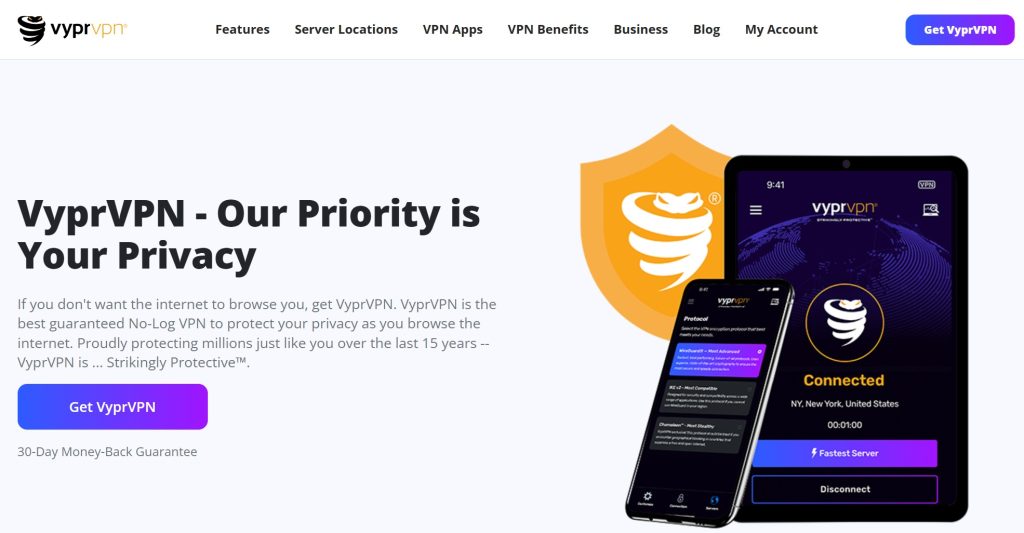
VyprVPN is often discussed for its censorship-resistance approach, including traffic obfuscation concepts (provider-specific) that can help on restrictive networks. If you’re dealing with networks that actively interfere with VPN connections, a provider with a stealth-style option can be valuable.
For WeChat usage, the goal is stable sessions (calls + media uploads), so prioritize endpoints and modes that reduce disconnects rather than chasing the highest raw throughput.
Common WeChat + VPN problems (and how to fix them)
Problem: WeChat messages send, but calls drop or won’t connect
- Switch to a nearer VPN endpoint (distance increases jitter risk).
- Try a different protocol in the VPN app (if available).
- Disable multi-hop/double routing while troubleshooting.
Problem: Media uploads fail (photos, voice notes, files)
- Change server within the same region (congestion can be server-specific).
- Enable DNS leak protection on the VPN client.
- Toggle Wi-Fi/mobile data to isolate whether the local network is the real issue.
Problem: VPN connects, but WeChat behaves “half broken”
- Force close WeChat and reopen after connecting the VPN.
- Clear cache (Android) or reinstall if the app is stuck in a bad network state.
- If available, use split tunneling: tunnel WeChat only, keep other apps normal (or the reverse).
Problem: VPN won’t connect on restrictive networks
- Enable obfuscation/stealth mode (if your provider offers it).
- Try alternate ports/protocols in the VPN settings.
- Keep a backup provider or backup configuration.
How to choose the best VPN for WeChat (practical checklist)
- Stability first: choose the endpoint that produces the fewest call drops and upload failures.
- Use nearby hubs: Hong Kong/Japan/Singapore often outperform far-away locations for China-adjacent routing.
- Leak protection matters: use DNS leak protection and a kill switch on supported platforms.
- Have a Plan B: censorship environments change; a second provider or alternate protocol is realistic insurance.
- Install before travel: if you’re going to Mainland China, set everything up before you arrive.
FAQ
1. Will a VPN guarantee that WeChat works everywhere?
No. VPN performance depends on local networks, censorship enforcement, and provider endpoint health. A good VPN improves your odds by giving you multiple routes and protocols to test, but nothing is permanent.
2. Which server location should I try first for WeChat?
Start with the closest major hub that is typically well-peered (often Hong Kong, Japan, or Singapore). Then test a second nearby region and keep the most stable one.
3. Can I use a free VPN for WeChat?
Free VPNs often have limited endpoints, weaker performance, and higher blocking rates. For WeChat usage—especially video calls and travel—paid VPNs are usually more reliable.
4. Is VPN usage legal where I travel?
It depends. Some countries regulate VPN usage. Always check local laws and use a VPN responsibly.
![7 Best VPN for Tinder [year]: Secure Access and Privacy](https://vpntrends.org/wp-content/uploads/2025/02/Best_VPN_for_Tinder-150x150.jpg "Using a VPN with Tinder")

![7 Best VPN for Alaska [year]: Fast Servers for Alaska IP](https://vpntrends.org/wp-content/uploads/2025/02/Best_VPN_for_Alaska-150x150.jpg "Using a VPN in Alaska")
![7 Best VPN for TextPlus [year]: Secure Access and Privacy](https://vpntrends.org/wp-content/uploads/2025/02/Best_VPN_for_TextPlus-150x150.jpg "Using a VPN with TextPlus")

